Cloud servers
Choose a TurnKey app, location, and size.
The Hub prepares the cloud setup and starts your server.
See cloud servers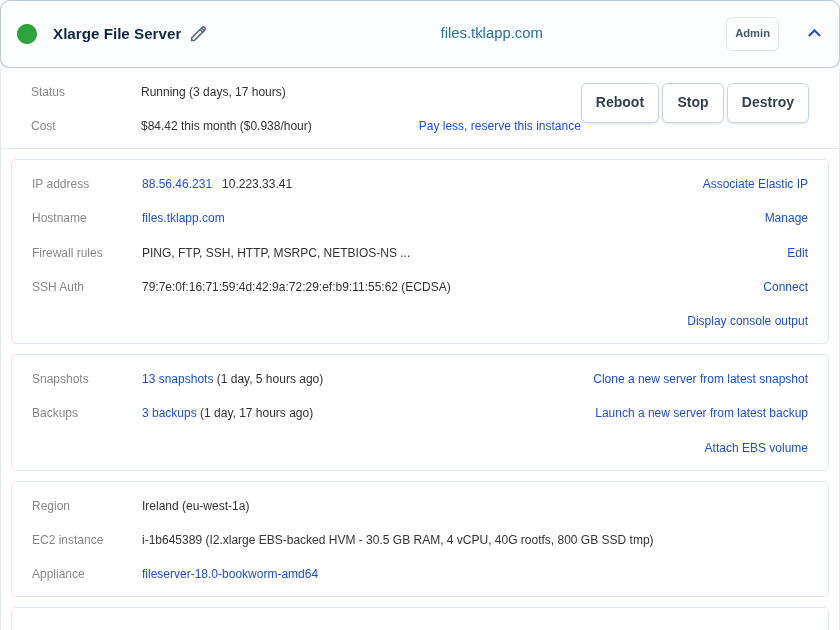
TurnKey apps on AWS
Choose an app, a nearby AWS location, and server size. The Hub prepares and starts your server.
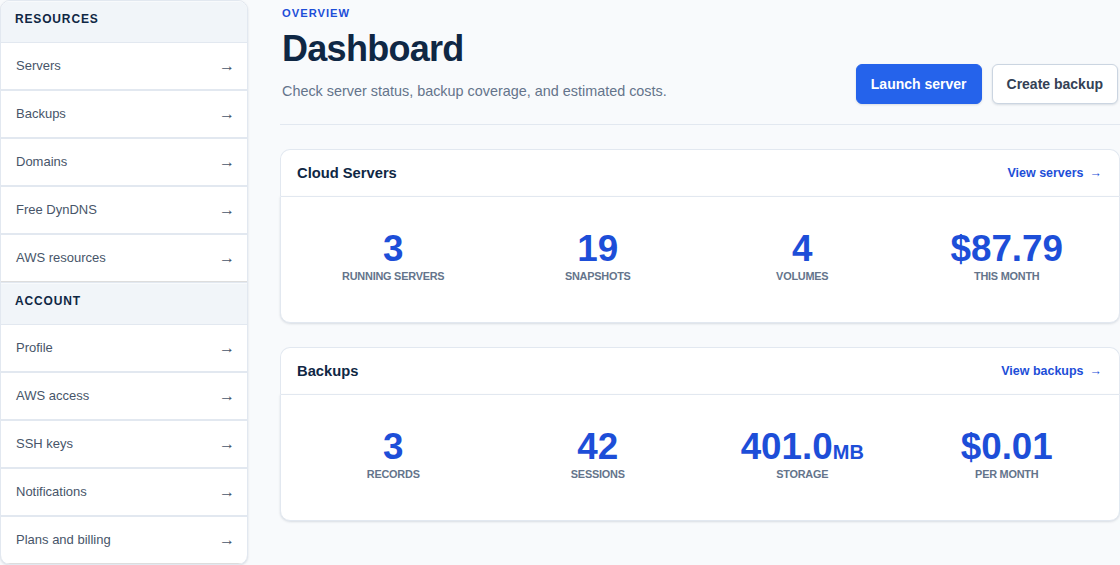
From app to server
The Hub prepares the server and keeps everyday controls in your browser.
What you can do
Choose what to run. The Hub handles setup, everyday controls, and encrypted backups.
Cloud servers
The Hub prepares the cloud setup and starts your server.
See cloud servers
Backup and restore
See completed backups, storage use, and cost in the Hub.
See server backups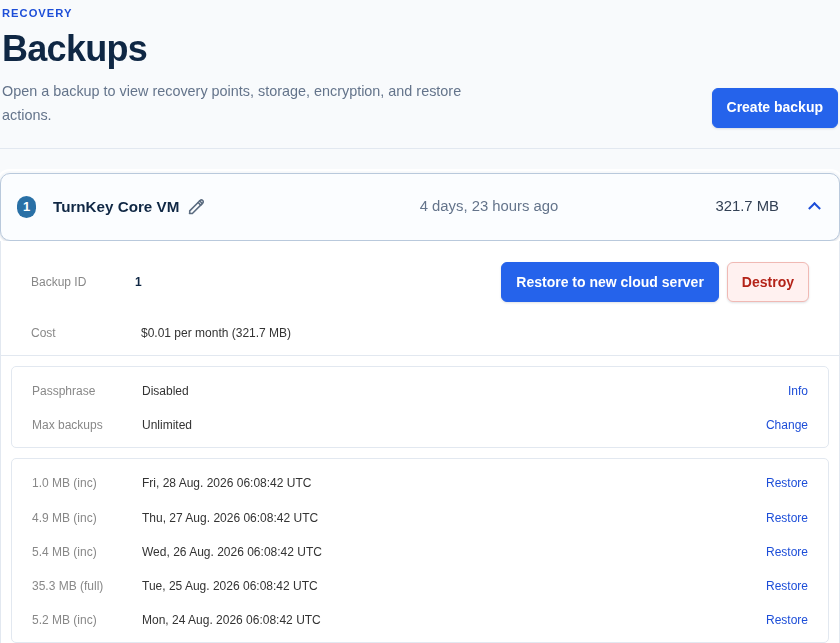
Restore and migrate
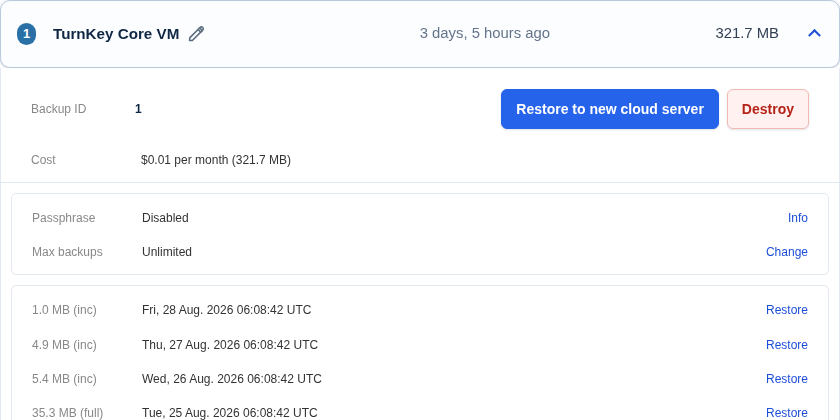
Use the latest completed backup or choose an earlier date.
Get started
Connect your AWS account, then choose the app, a nearby location, and size.